Building a Realistic Cybersecurity Lab with VMware: Laying the Foundations for a SOC Environment
For a long time, I wanted to build a cybersecurity lab that was more than a collection of disconnected virtual machines. I didn’t want a toy setup or an isolated playground with no real traffic. The goal was to create something realistic, something that behaves like a small corporate environment and can later be used as the foundation for a proper Security Operations Center (SOC).
This article focuses entirely on the first and most important phase: building the virtual environment itself.
No security tools yet. No monitoring platforms. Just infrastructure, networking, and verification.
Because if the environment is not solid, everything built on top of it will be unreliable.
This article focuses entirely on the first and most important phase: building the virtual environment itself.
No security tools yet. No monitoring platforms. Just infrastructure, networking, and verification.
Because if the environment is not solid, everything built on top of it will be unreliable.
Choosing the virtualization platform
I decided to use VMware as the virtualization platform for one simple reason: predictability.
When you are working with networking, traffic analysis, and security labs, you need a hypervisor that behaves consistently and transparently. VMware provides a very stable virtual networking stack and clear separation between host, guests, and virtual networks.
The lab consists of three virtual machines:
•one Ubuntu Server, acting as the central system
•one Ubuntu Desktop endpoint, simulating a Linux workstation
•one Windows 10 endpoint, representing a typical Windows user machine
All three virtual machines run on the same VMware environment and share the same virtual network.
Creating the virtual machines: practical considerations
Ubuntu Server
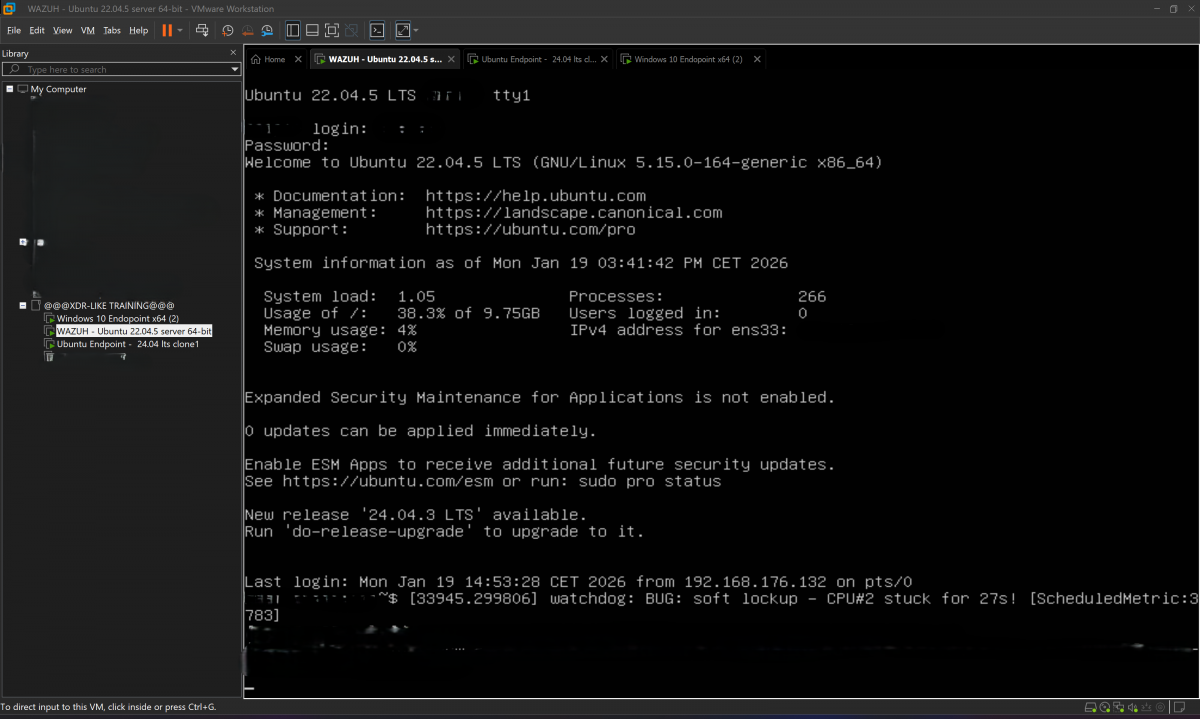
The Ubuntu Server VM is designed to be minimal, stable, and always on.
No graphical interface, just a clean server installation focused on reliability.
When creating the VM, I assigned:
•enough RAM to support server-side workloads
•more than one virtual CPU to avoid artificial bottlenecks
•a disk size larger than the bare minimum, because servers always grow over time
The installation follows the standard Ubuntu Server workflow: ISO boot, base system, user creation, and SSH enabled.
At this stage, verifying SSH access is essential, since it will be the primary management method.
Ubuntu Desktop endpoint

The Ubuntu Desktop VM represents a real user workstation.
This machine is intentionally not minimal. It includes a graphical environment, a browser, system services, and automatic updates. The purpose is to generate normal, everyday traffic: browsing, DNS queries, software updates, background services.
In a real SOC, most of what you see is not attacks, but normal user behavior.
This endpoint exists to produce exactly that.
Windows 10 endpoint
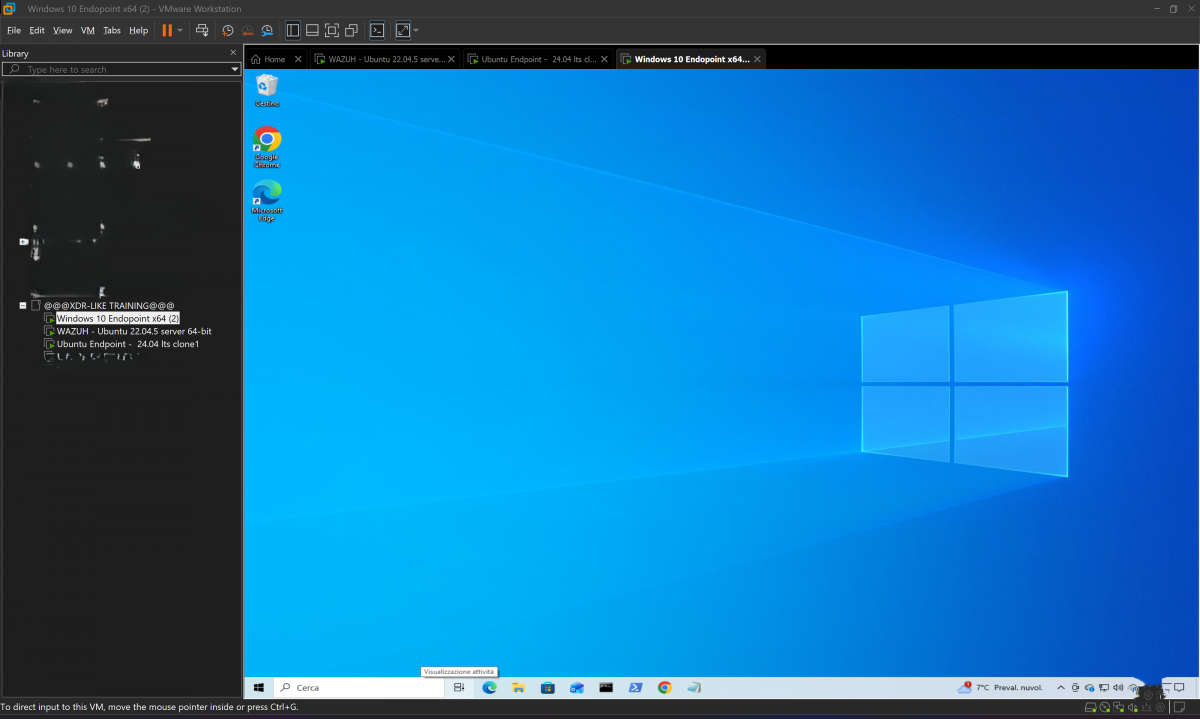
Windows behaves differently, and that difference matters.
The Windows 10 VM is installed with default security settings, including the Windows Firewall. One important detail often misunderstood: Windows blocks inbound ICMP (ping) requests by default.
This does not mean the network is broken.
Windows can still:
•resolve DNS
•establish TCP connections
•access HTTP and HTTPS services
•download updates
This is realistic behavior and should not be “fixed” just to make ping work.
Networking design: why NAT is the right choice
All three virtual machines are connected to a VMware NAT network.
This decision is intentional and technical.
Using NAT provides several key advantages:
1.The virtual machines can communicate with each other
2.They can access the internet
3.System updates work normally
4.The host system can reach services exposed by the VMs
VMware’s NAT acts as a virtual gateway that translates traffic between the internal lab network and the external world. This closely resembles what happens in many real corporate environments.
If I had used Host-Only networking, the machines would have been isolated from the internet. No updates, no real traffic, no realistic behavior.
Additionally, host access to internal web services would be limited or impossible without extra routing.
With NAT, the host can access services running inside the lab while the lab remains logically isolated. This balance is ideal for a cybersecurity lab.
Verifying connectivity: method over ritual
Once the machines are running, the most important step is verification.
Ping alone is not enough. Real systems don’t rely on ICMP to function.
DNS resolution
The first thing I always test is DNS.
On Ubuntu:
resolvectl status
to verify configured resolvers, followed by:
dig google.com
or:
nslookup google.com
This confirms:
•DNS resolution
•outbound routing
•NAT functionality
Even a simple:
ping google.com
is useful here, not because of ICMP, but because it confirms name resolution.
Communication between virtual machines
Next, I verify internal communication.
I start by checking IP addresses and routes:
ip a
ip route
Then I test actual services instead of raw reachability:
nc -zv 22
or:
curl http://
Even a connection error is meaningful—it proves the packet reached its destination and returned.
This approach tests:
•TCP connectivity
•firewall behavior
•application-layer responses
Much closer to real-world conditions than ping.
HTTP and HTTPS traffic
To confirm outbound traffic, I generate real web requests:
curl http://google.com
curl https://google.com
or:
wget https://google.com
This produces realistic traffic involving DNS, TCP, TLS, and HTTP—exactly the kind of traffic you expect in any production environment.
System updates: the definitive test
The final and most reliable test is system updates.
On Ubuntu:
sudo apt update
sudo apt upgrade
If this works, it confirms that:
•DNS works
•HTTPS works
•routing is correct
•NAT is properly configured
On Windows, Windows Update serves the same purpose.
Even with ping blocked, the system communicates perfectly.
Why this foundation matters for a SOC
This phase is not just about “making the lab work.”
It’s about building an environment that behaves like a real network.
A SOC does not analyze ping,it analyzes DNS queries, HTTP sessions, update traffic, background services, and user behavior,if a lab does not generate real traffic, any later security analysis is artificial.
With this setup, I now have:
•isolated but connected systems
•internal and external traffic
•realistic endpoint behavior
•host visibility into lab services
Only now does it make sense to introduce monitoring and security tooling.
In the next article, I will build on this foundation and start transforming this lab into a functioning SOC environment.
But without this groundwork, everything else would be theory.
This lab is not theoretical.
It’s alive.